Organize your company.

Your company knowledge,
in one system.

Processes, training, company knowledge and official documents in one place, structured the way it makes sense at your company. No course-building required.

Try any plan for £2.90, for five days. No sales call, you are in within two minutes.

learn.yourcompany.com / knowledge
YOURCO 01:17 online
KnowledgeTrainingMessages PeopleHelp centerSettings
ContentOrganizerMedia RatingsLogTrash
Folders Select+ Add
Official documents Vault14
Tax certificates6
New hire onboarding 12/19
Your first week with usPublished
Order handling, step by stepDraft
Process documents (SOP) 31
Frequently asked questions Public help82

The knowledge is not missing.
It is just not written down.

Part of how you work lives in people's heads, the rest sits in Word files, chat threads and sticky notes. The moment someone leaves or a new person arrives, it shows. Most systems answer this with: build a course. We say: just organise it. We handle the rest.

Knowledge

Your structure, not ours.

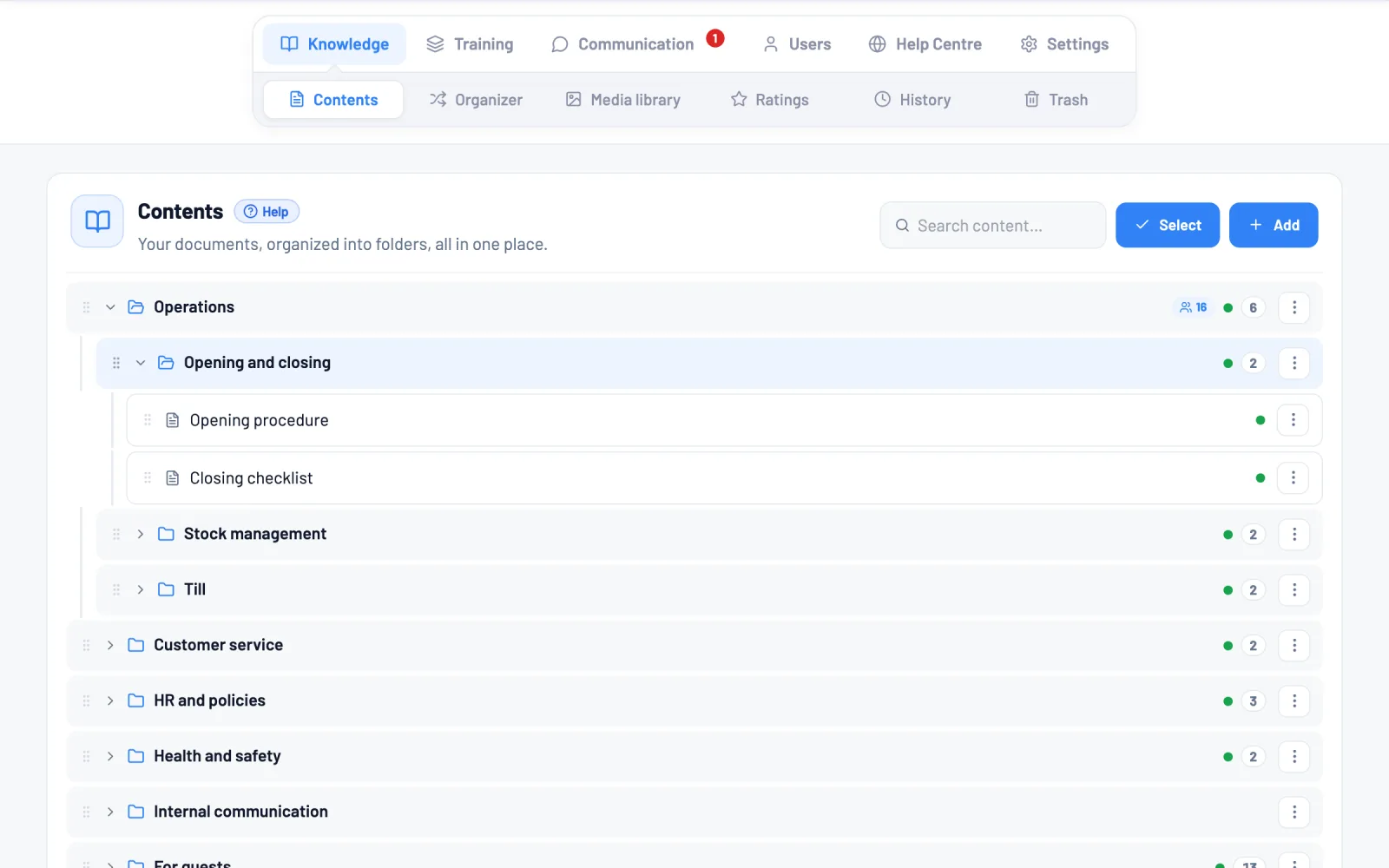
No forced hierarchy. You create folders the way it makes sense at your company, six levels deep, with your own names. Rearrange them by dragging, any time.

  • One piece of content, several roles. The same material can be a training lesson, an internal knowledge article and a public help article. You write it once.
  • Sharing is access. Share a folder with someone and it is theirs from then on. No separate permission matrix to maintain.
  • Versions and history. Every save is a version. You see who changed what and when, and restore it with one click.
knowledge / content
Procurement 18
Suppliers 3 7
Adding a new supplier Published
VAT number check Draft
Contract templates 11
Sales 9/14
Production 23

Six levels deep, with your own names. Rearrange by dragging, any time.

Training

New starters know what to do. Without asking.

Your existing material becomes a day-by-day plan, assigned by role. Meanwhile you can see exactly where everyone is.

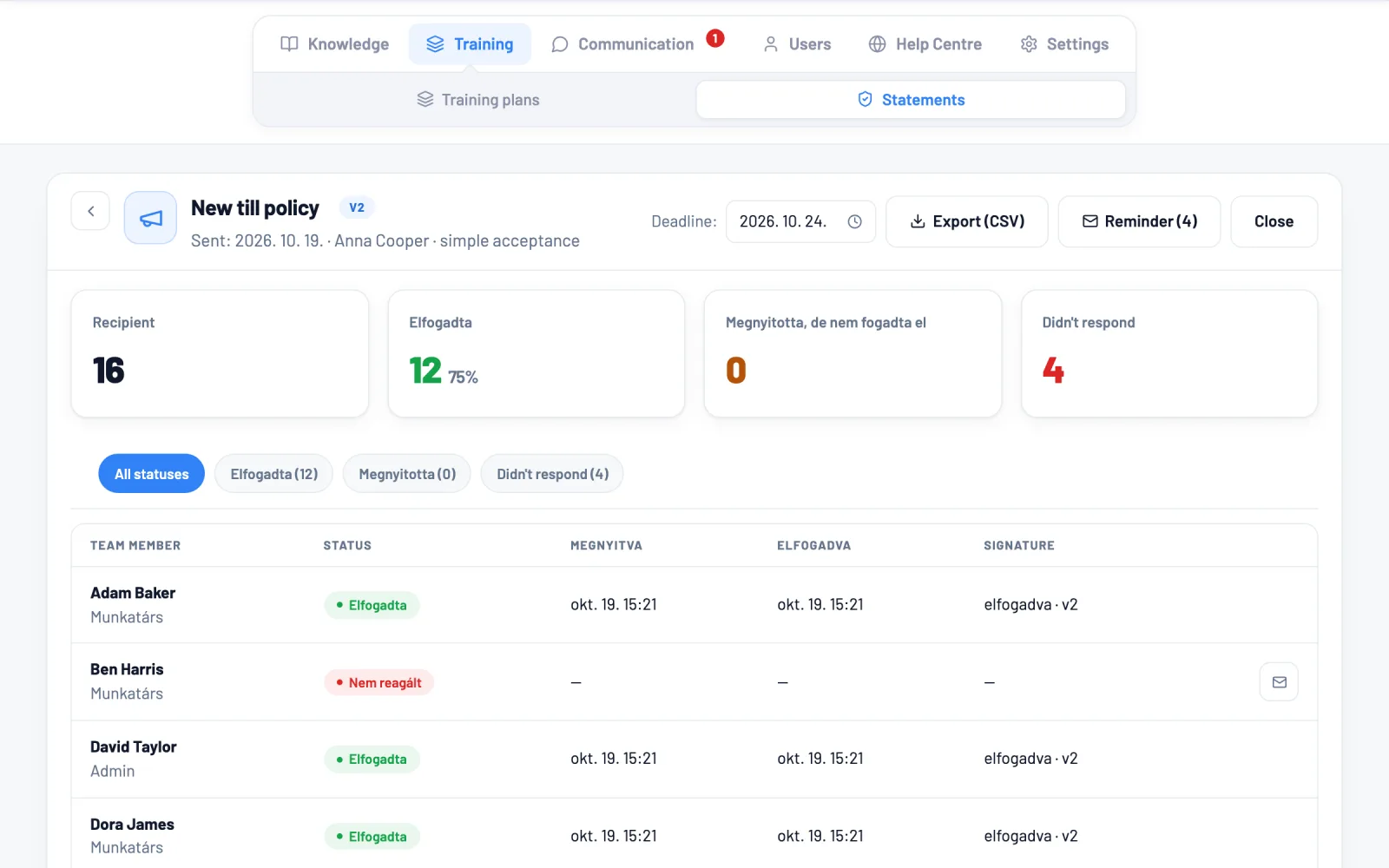
  • Day by day, or self-paced. With deadlines and automatic reminder emails.
  • Real tasks, with sign-off. "Call your first customer." A mentor reviews the submission and unlocks the next step.
  • Assessment, not just reading. Question sets per lesson or per module, with a pass mark: below it, nobody moves on. Results show instantly.
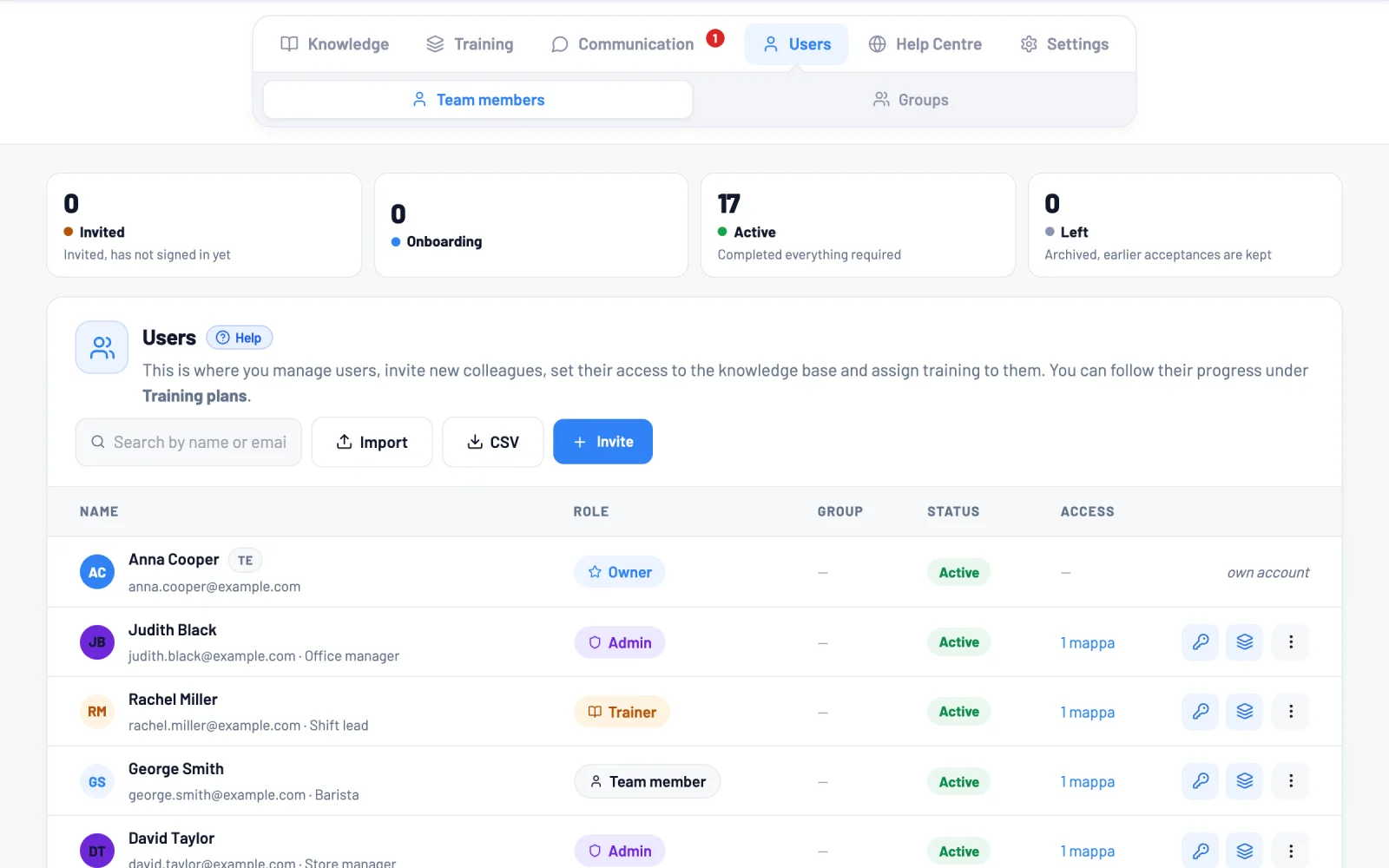
  • See where everyone is. Progress, active time and test averages per person, exportable to a spreadsheet.
training / Peter Nagy
New starter, first 14 days
3 people in progress
Days 1–3 · Getting started
8 lessons done
Days 4–8 · Order handling
3 of 5 lessons · test: 82%
End-of-module test Passed
12 questions · 82% · pass mark 70%
Days 9–14 · Working solo
Awaiting sign-off: first customer call
On mobile too

They learn where the work happens.

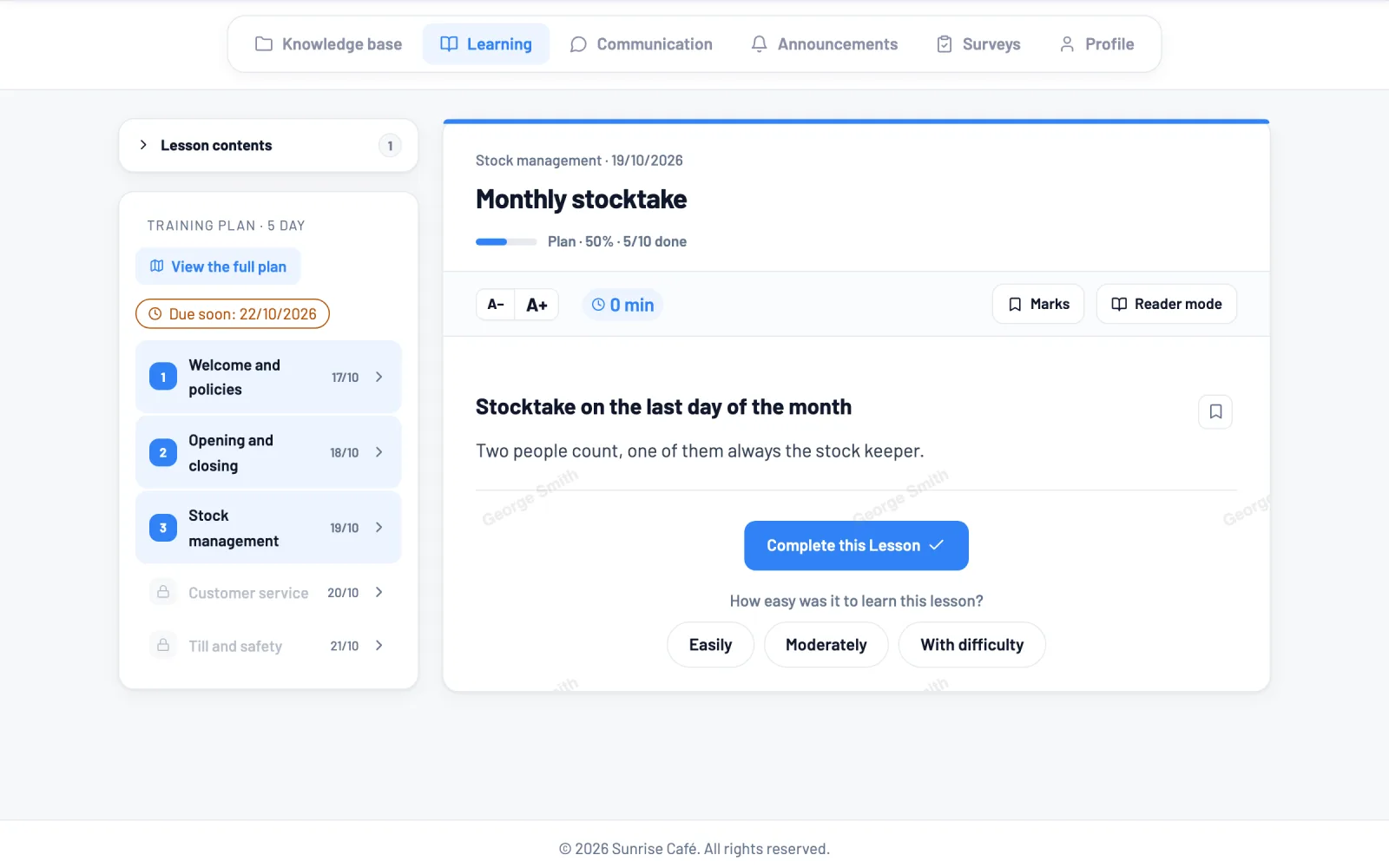
Most of your team is not at a desk. The learner view was built for a phone, not squeezed down from a desktop page.

  • Picks up where they left off. Starts on the bus, finishes at home. No hunting for the right spot.
  • Adjustable text size. One tap makes it bigger. No pinching and zooming.
  • A table of contents in every lesson. Need one detail? Jump straight to it instead of scrolling.
  • Ask the AI any time. The button sits in the corner throughout. Stuck on a step? Ask, and the answer comes from your own material, with the source.
  • Documents open on the phone too. During an inspection you show the certificate on the spot, instead of calling the office.
Order handling, step by step
Lesson 5 of 8
In this lesson Recording the order Discounts and approval Invoicing
AAA
Importing

Drag in the folder. Done.

No file-by-file fiddling. Drag in the whole folder from your computer and the structure is recreated exactly as you had it.

  • A whole folder tree, in one go. Subfolders are created too, and files land where they belong.
  • Word, PDF, Notion, Markdown. Images come across with the document instead of getting lost.
  • A report per file. You see what worked and what did not. Retry the failures with one button, leave the rest alone.
import
Drag a folder here from your computer Word, PDF, Notion, Markdown, text, video and audio.
Procurement folder · 3 subfolders · 16 items14 done, 1 running
Supplier_handling.docxDone
Order_process_2026.pdfDone
screen_recording_orders.mp4Processing
handover_spoken.m4aTranscribed
pricelist_2025.xlsxSkipped
AI: from audio and video

You never have to sit down and write it.

Process descriptions do not get written because that would take hours at a desk. Saying it or showing it can happen while you work, and the AI writes it up from that.

  • Say it, the AI writes it. Your recording becomes text, the way you would explain it to a new colleague. On your phone, while you work.
  • Steps from a video. From the frames of a screen recording the AI writes down what to do and where to click. You do not even have to speak.
  • The audio stays. The recording sits at the top of the lesson, so anyone who would rather listen can listen.
  • It arrives as a draft. The AI publishes nothing: you review it, fix it and publish it yourself.
recordings
Drop a recording here An audio file or a screen recording.
2 felvételdone
handover_spoken.m4aTranscribed
placing_an_order.mp4Steps written
Handover to the afternoon shiftDraft
AI assistance

AI tidies up what you imported.

Imported material is raw: legacy Word formatting, long paragraphs, text from a recording. One button turns it into a structured lesson.

  • Formatting in one click. Raw text becomes headings, numbered steps and lists. You see the cost before you start.
  • Across many lessons at once. No going through them one by one. The cost is shown before you run it.
  • You decide what goes in. The suggestion appears next to your current text and is only written after you accept it. And it can be undone.
editing a lesson
BIH2List ImageVideoTableFile Questions
Draft · from import
Order handling, step by step
order_process_FINAL_v7.docx · 6 steps · 3 images
This guide takes you from the order arriving to the invoice going out. Exceptions are listed at the end.
1. Recording the order
1Open Orders and click New order.
2Pick the customer. If they are new, add them first.
3Enter the items, then check the discount.
image carried over from the Word file
Discounts above £50 need manager approval.
Vault

Official documents live here too.

Certificates, licences and contracts sit in the same place as your knowledge, just marked apart. During an inspection you find them in seconds, on your phone too.

  • No separate document manager. Images and PDFs open in place. No download needed just to look at them.
  • Share with your accountant too. One folder, not the whole system. They see only that, and can upload into it.
  • Downloading is a separate switch. Sensitive documents can be viewed without ever leaving the system.
vault / official papers
Official papers Accountant
Fire safety certificate 2026 PDF · 240 kB
Operating licence JPG · 1,1 MB
Tax clearance · 2026 Q1 View only
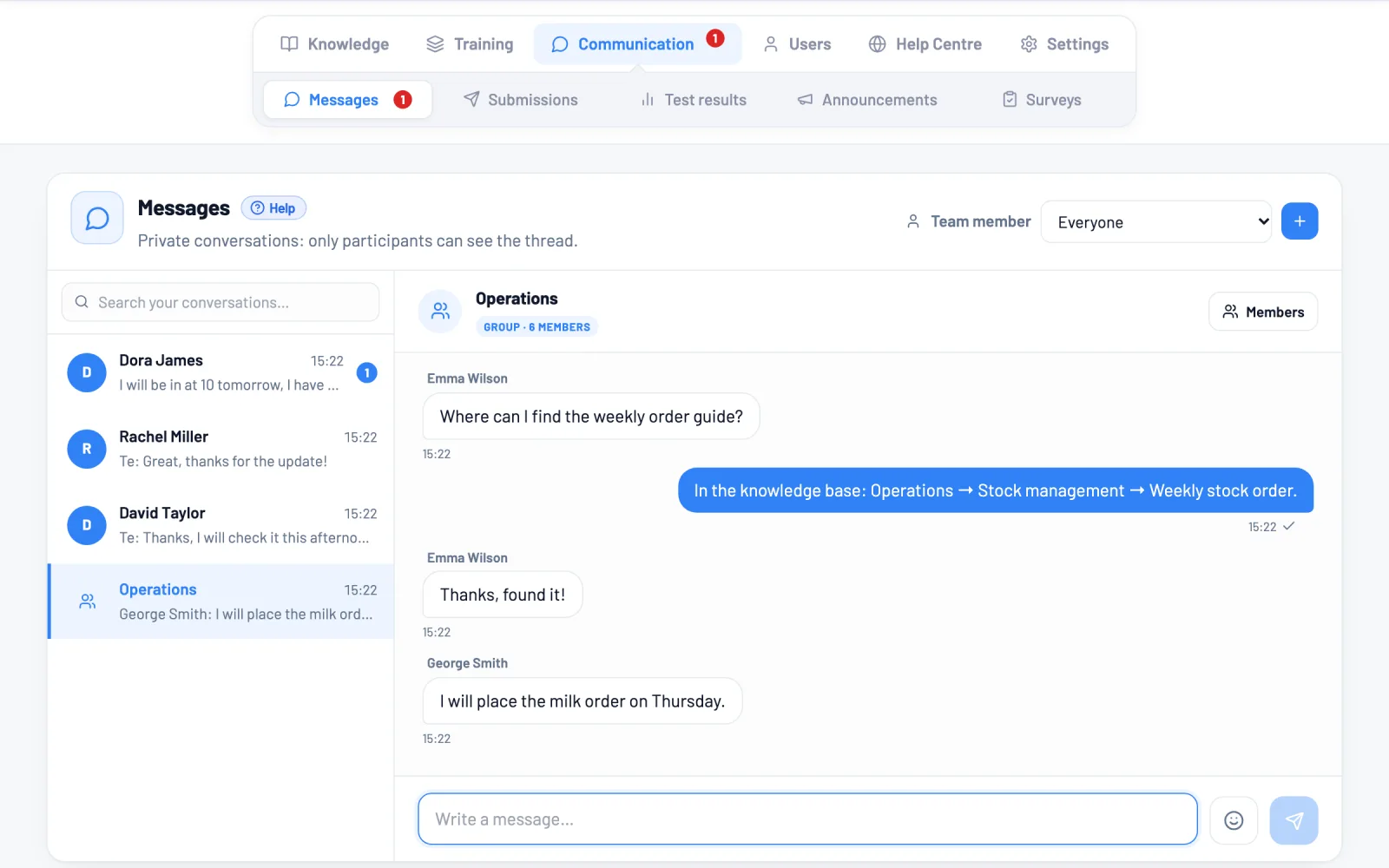
Messaging

Questions stay where the answers are.

Built-in internal messaging: people ask inside the system, not in a separate chat app where nobody can find it two days later.

  • Delivered instantly. The message is there the moment you send it. No refreshing.
  • You will not miss it. If you are away, we email you, bundled together rather than one per message.
  • Private means private. Not even the owner can read a private conversation. There is no such feature in the system.
messages
Messages
SzMark ShawGot it, thanks!
NEsther NaughtonI will look this afternoon.
Hi! I am stuck on lesson 4, where do I record the discount?
It is in section 3 of the order handling guide, sending the link.
Found it, thanks! And if it is over £50?
Then it needs manager approval. There is a box about it in the lesson.
Great, moving on then.
Write a message…
Your brand

It carries your name. Not ours.

Your team signs in on your own domain, with your logo and colours. To them this is the company's internal system, not an outside service they have been told to use.

  • Your own domain, from one DNS record. The setup walks you through it and the certificate renews itself. No IT person needed.
  • Logo, colours, typeface, dark mode. Outgoing emails carry your branding too.
  • The public help site can have its own domain. To your customers, that stays your site as well.
settings / custom domain
learn.yourcompany.com Live
CNAME yourco.corganize.com Configured
HTTPS certificate Automatic
HELP help.yourcompany.com Separate domain
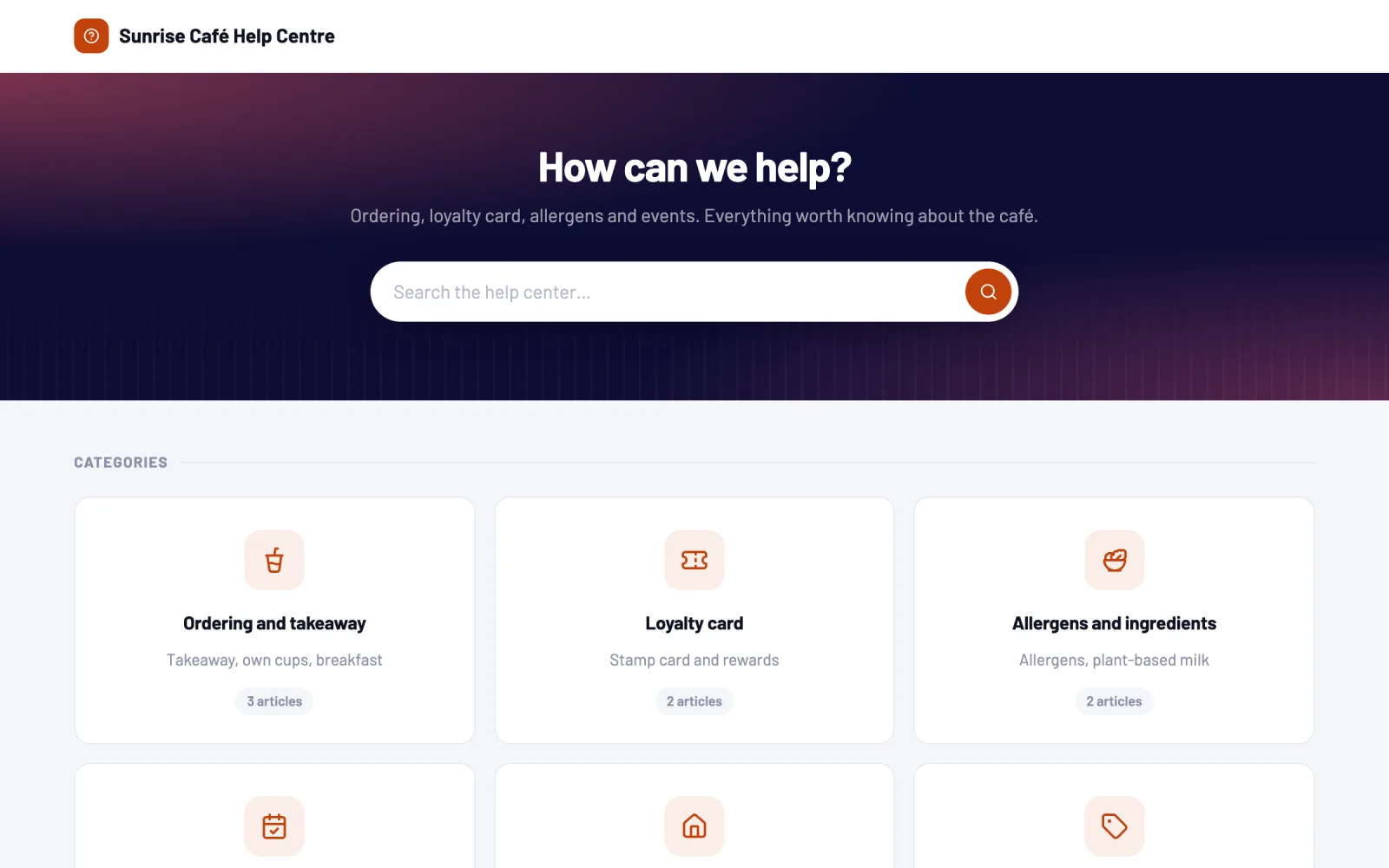
Help Center

What you would show customers becomes a public help site.

Publish the part of your knowledge base you choose as a help site anyone can read without signing in. No second system, and nothing written twice.

  • Several help sites, several audiences. One for customers, one for partners, one for franchisees. Each with its own content.
  • Each on its own address. Not under our domain, but yours. The visitor never leaves your world.
  • One source, two views. Fix the internal lesson and the public article is fixed too. They cannot drift apart.
  • Searchable, in your branding. Your colours, logo and welcome text, with search that forgives accents and typos.
help.yourcompany.com
YOURCO

How can we help?

Orders12 articles
Invoicing8 articles
FAQ24 articles
Livehelp.yourcompany.com Customers
Livepartners.yourcompany.com Resellers
Draftfranchise.yourcompany.com Franchisees
Why different

Free structure and progress tracking used to be mutually exclusive.

Either the tool was flexible but had no idea who was where, or it knew but forced you into a straitjacket. We put the two together.

Classic LMSDrive / NotionCorganize
Free structureFixed hierarchyYesYes
Progress, tests, assignmentYesNoYes
Official documents in the same placeNoYesYes
Sharing is accessSeparate matrixYesYes
Video into finished materialNoNoWith AI
Audio into finished materialNoNoWith AI
How it starts

Three steps, then it runs itself.

1

Bring in what you already have

Word, PDF, Notion or a folder full of files. You do not start from nothing: by the end of day one there is content in the system.

2

Arrange it the way it makes sense

Folders with your own names. From those come training plans, an internal knowledge base and, if you want, a public help site.

3

Hand it to your team

Everyone sees what concerns them. And you can see where each person is without having to ask.

Security

Your processes are your competitive edge.

We treat them that way.

Watermark on the material

The reader's name sits faintly on every page. If a screenshot leaks, you can see whose account it came from.

Text cannot be copied

Sensitive material can be locked against selection and copying. Downloading is a separate switch, per folder.

Every access is logged

Who opened what, and when. Suspicious patterns such as bulk copying are flagged separately.

The AI works only from your material

The assistant answers only from what you share with it, and cites the source. We do not train models on your content.

Isolated company data

Every company lives in its own sealed space. The database enforces this, not just the application code.

Sign-in on your terms

With a Google account or a password, only from addresses you allow. Support access is granted by you, with a time limit.

Pricing

Clear pricing, sized to your company.

Three plans from £29, each with a £2.90 trial. The details page explains credits and everything else.

Starter

For sole traders and mini teams.

£29 / mo
the full price, no VAT added
Team3 people
AI credits / mo20
Storage1 GB
  • Unlimited items and training plans, bounded by your storage
  • Your own web address (e.g. training.yourco.com)
  • 1 public help site for your customers
  • Support from the AI assistant and the help pages
Custom development available on request
Try it · £2.90 / 5 days
£29/mo after day 5, cancel anytime
Most popular

Basic

For a smaller team getting serious about it.

£79 / mo
the full price, no VAT added
Team15 people
AI credits / mo60
Storage3 GB
Everything in Starter
  • 5× bigger team: 15 people learning at once
  • 3× the AI credits: more formatting, video and transcription
  • Support by email too, not just the help pages
Custom development available on request
Try it · £2.90 / 5 days
£79/mo after day 5, cancel anytime

Premium

For a growing team with lots of material.

£199 / mo
the full price, no VAT added
Team50 people
AI credits / mo200
Storage10 GB
Everything in Basic
  • Company-wide knowledge base: up to 50 people
  • 200 AI credits for processing lots of material
  • Priority support: replies within hours, business time
Custom development available on request
Try it · £2.90 / 5 days
£199/mo after day 5, cancel anytime
Secure payments by Stripe VISA AMEX

Full pricing and AI credits

Frequently asked questions

How does the 5-day trial work?

Pick a plan, enter your card, and we charge £2.90 now. Use everything for five days. Cancel before day 5 and that is the total cost. If you stay, your subscription starts automatically when the trial ends.

How long until it is usable?

If you already have material, it is in by the end of day one. Importing works from Word, PDF and Notion, images included. Nothing needs retyping.

What if nothing is written down?

That is the more common case. Record yourself doing it, and the AI writes a step-by-step description. You do not get an empty editor, you get a draft to review.

Do we need an IT person?

No. You start on your own address (yourco.corganize.com). If you want your own domain, that is one DNS record, and the setup walks you through it.

What happens to our data if we leave?

It can be exported in readable form. Deletion has a 30-day grace period, so you can change your mind.

Does the AI see our material?

Only what you share with it, and it answers only your own team's questions from it. We do not train models on your content.

More questions? Our own help centre has a guide for every feature.

Go to the help centre

Grow. Without the chaos.

Write us a few lines about your company and we send you your access. Then a short walkthrough takes you around the system with your own material.